


.svg)

4x4 desktop CNC with a 710W adjustable-speed spindle
Use with Easel Pro →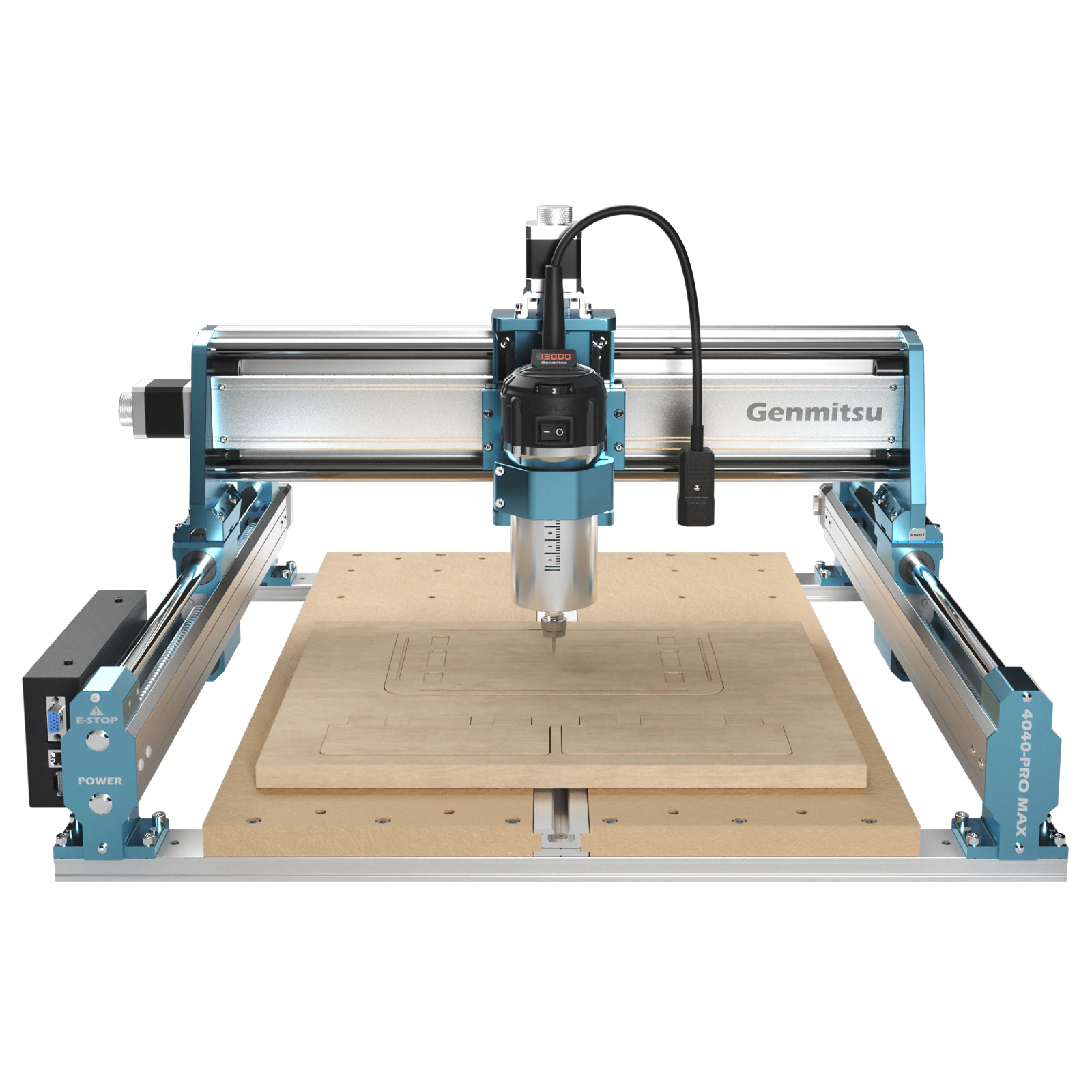
The Genmitsu 4040-PRO MAX has a 400 x 400 x 78 mm working area, a 710W digital trimmer router with an adjustable 6,500 to 30,000 RPM range, and NEMA17 stepper motors.
Every cut starts with one formula: Feed Rate = Spindle Speed (RPM) x Chip Load x Number of Cutting Edges (flutes). Chip load is the thickness of material each cutting edge removes in one revolution of the bit. This number comes from the manufacturer of the bit, which publishes a chip-load chart for each bit diameter and material. Look up your exact bit and material, start from the middle of the published range, and you have the third number in the formula. The chart below shows the recommended spindle speed for each material and bit type.
The 4040-PRO MAX's spindle adjusts from 6,500 to 30,000 RPM, which covers the entire chart, so dial it to whatever the chart recommends for the material and bit rather than leaving it pinned at max. Depth per pass is where the machine itself matters. A truly rigid machine with a powerful spindle can cut as deep as the bit is wide in a single pass, but that takes real spindle torque, a drive train and clamps that hold firm, a gantry that will not flex, and enough mass to soak up vibration. This machine has real spindle power, but it's still a desktop-size build on NEMA17 steppers with a mix of lead screw and linear rails, well short of that top rigidity tier, so keep passes shallow to moderate rather than pushing full bit-width depth. Push too deep and the bit deflects and chatters, leaving scalloped edges, or it rubs instead of cutting and burns the material. The fastest way to dial in a cut is to see what has already worked for other people.
Worked example for feed rate: 1/8in (3.175mm) two-flute solid carbide end mill in hard wood. The chart says 16,000 RPM, and this spindle's adjustable range covers that, so dial it to 16,000. With the bit maker's 0.025mm per tooth (0.0010 in): 16,000 x 0.025 x 2 = 800 mm/min (31 in/min) feed. For depth per pass, start shallow and check Community Cut Settings in Easel for what works on this machine. If the cut sounds strained, reduce the depth, not the feed. Slowing the feed below the chip load makes the bit rub instead of cut.
Community Cut Settings shows the spindle speed, feed rate, and depth per pass other makers actually run for your machine, material, and bit.
The Genmitsu 4040-PRO MAX runs GRBL, so it connects directly to Easel. Install the free Easel Driver and plug in over USB, or connect driverless with Rapid Connect in a Chromium browser (Chrome, Edge, or Opera). Design in the browser, then the Carve button homes, zeroes, and runs the job with live progress. You can also export G-code to run from another sender. Select Genmitsu 4040-PRO MAX in Easel's machine menu to size the canvas to its 400 x 400 x 78 mm working area.
Try Easel Free →
Create your free Easel account and connect your machine in minutes.
Easel Free Trial →