


















Design, preview, and send it to your machine from the browser. Save online carve offline. Start from scratch or build on a project another maker shared. No experience needed.
Join our community!
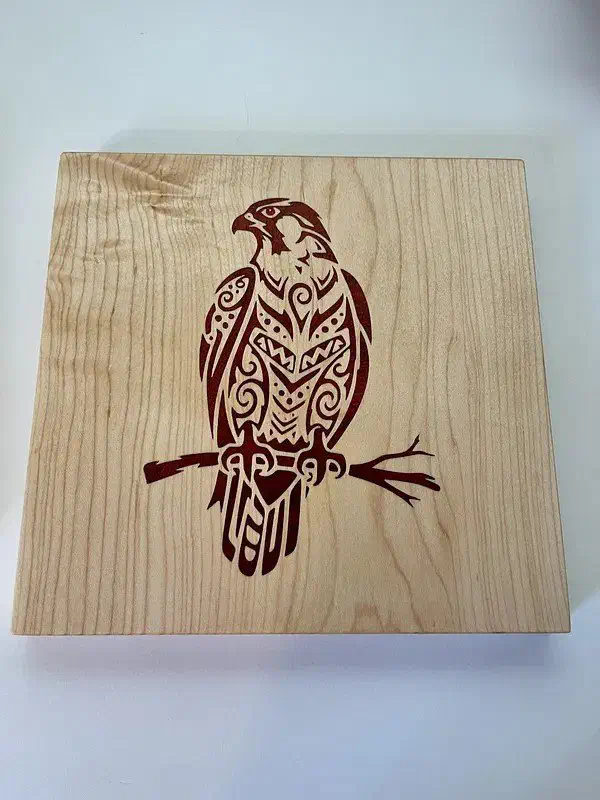
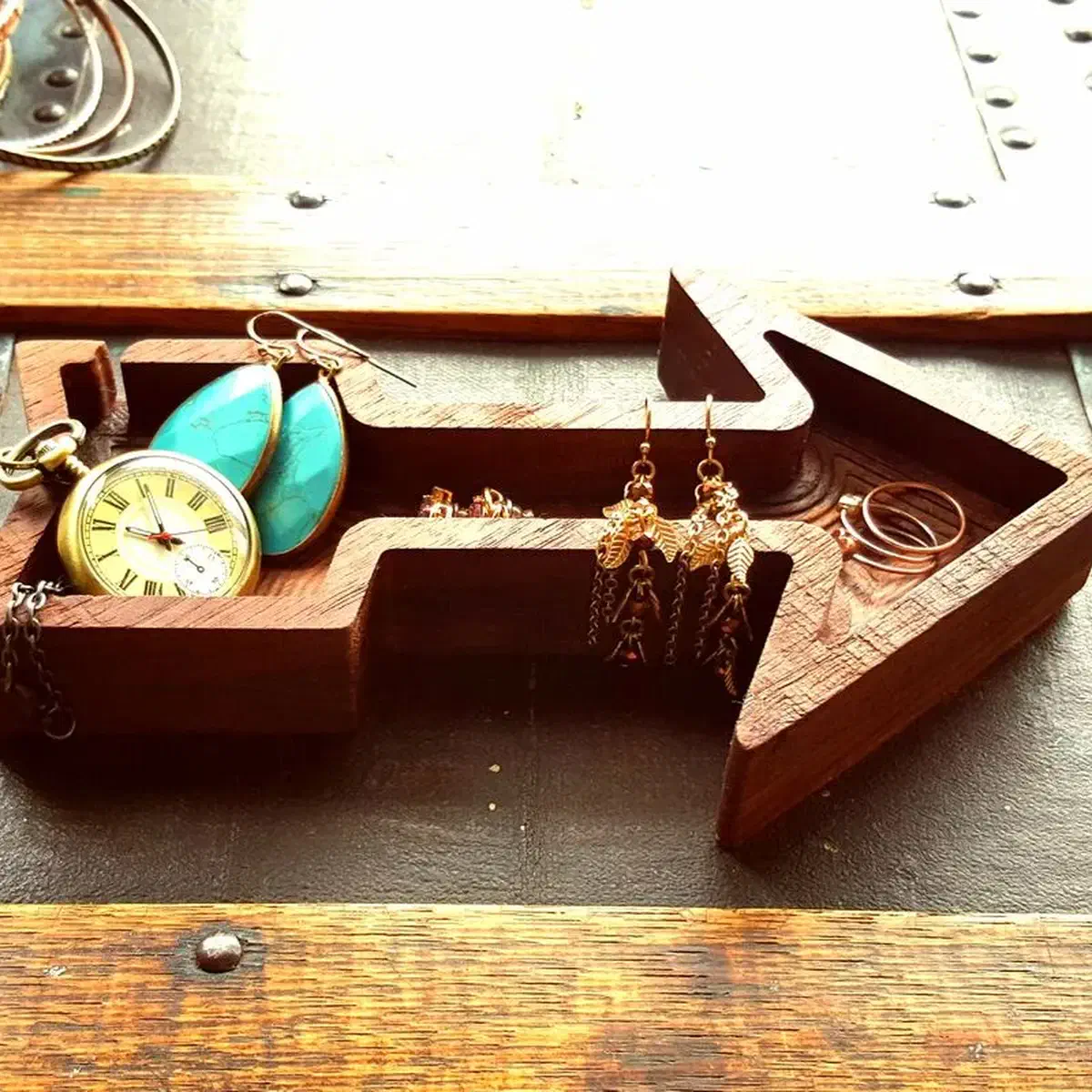
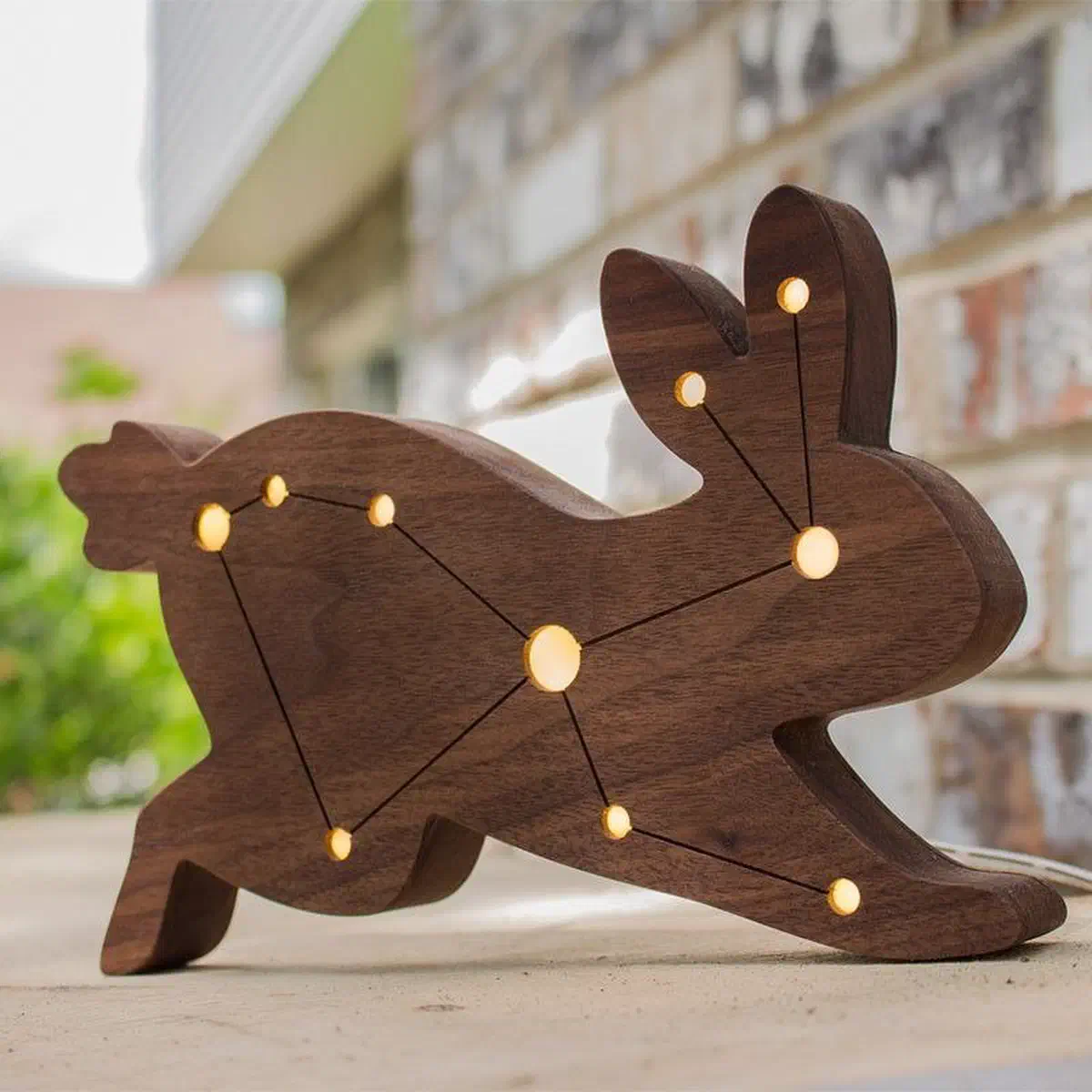
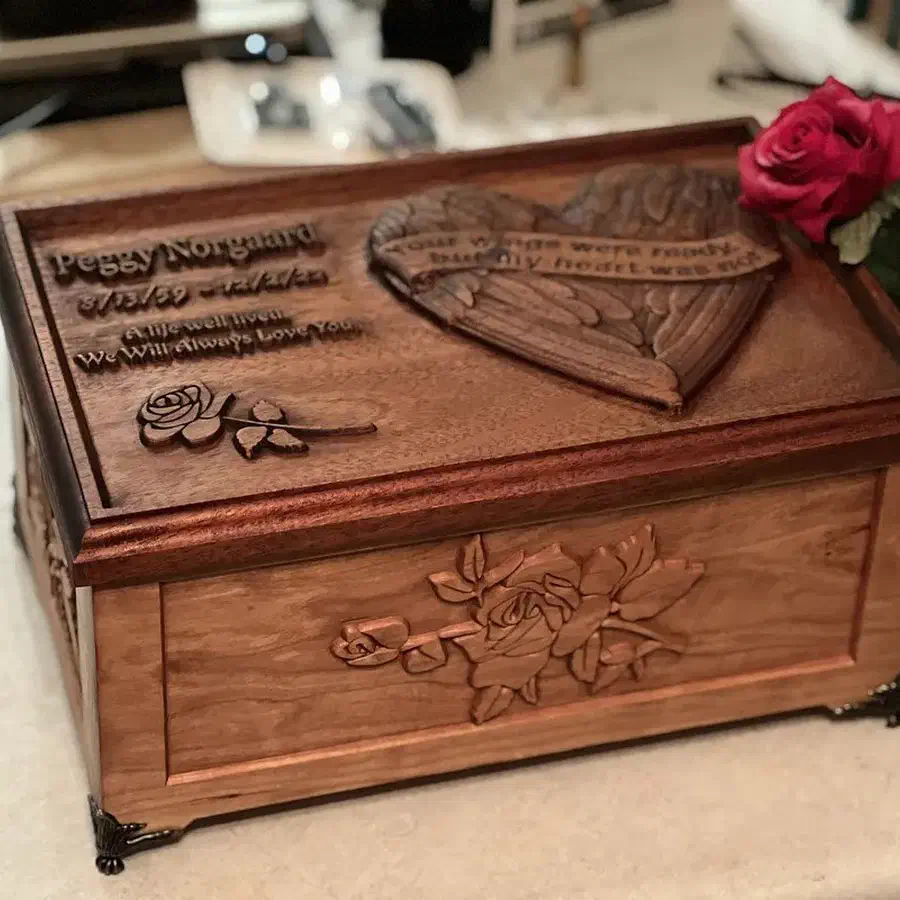
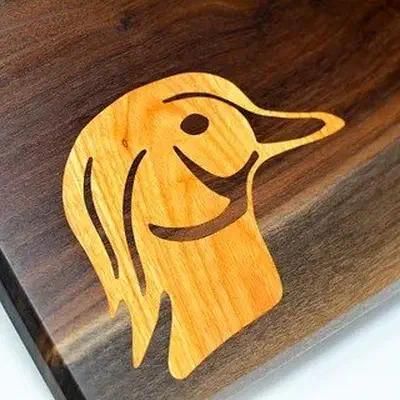
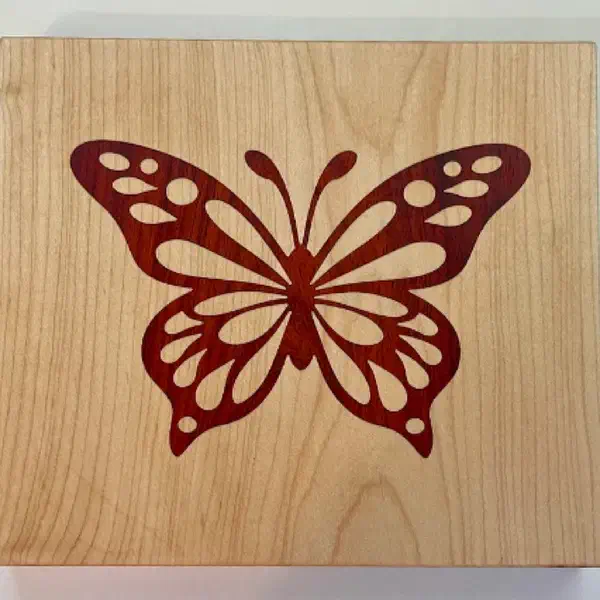
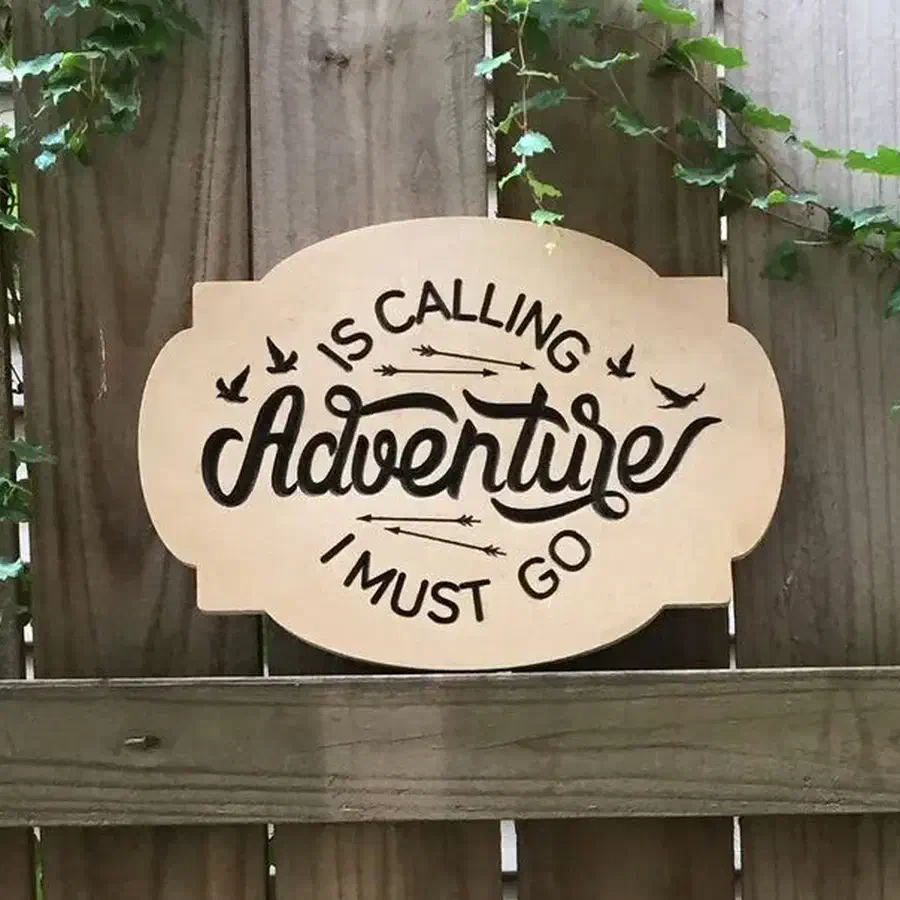
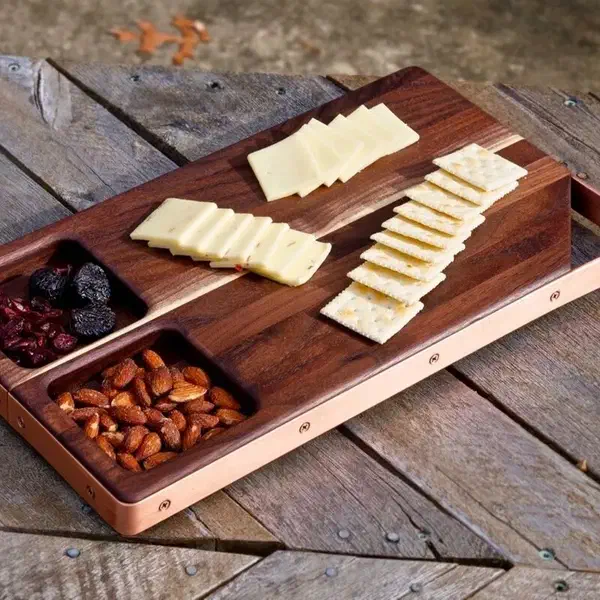
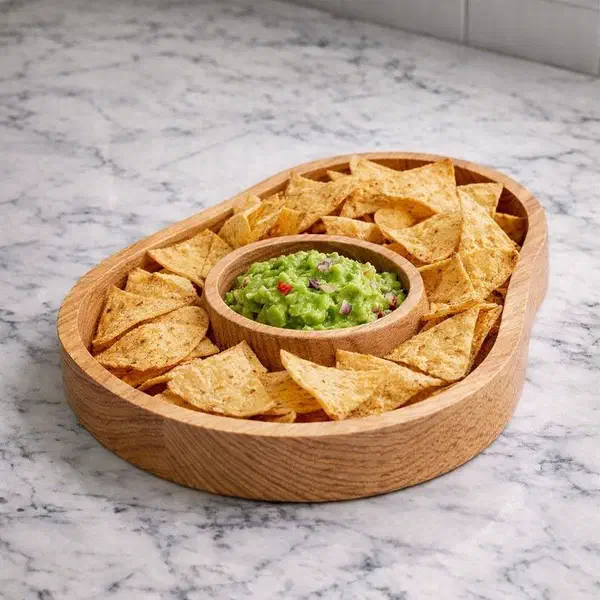
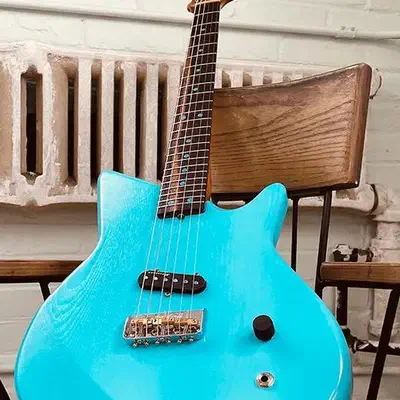
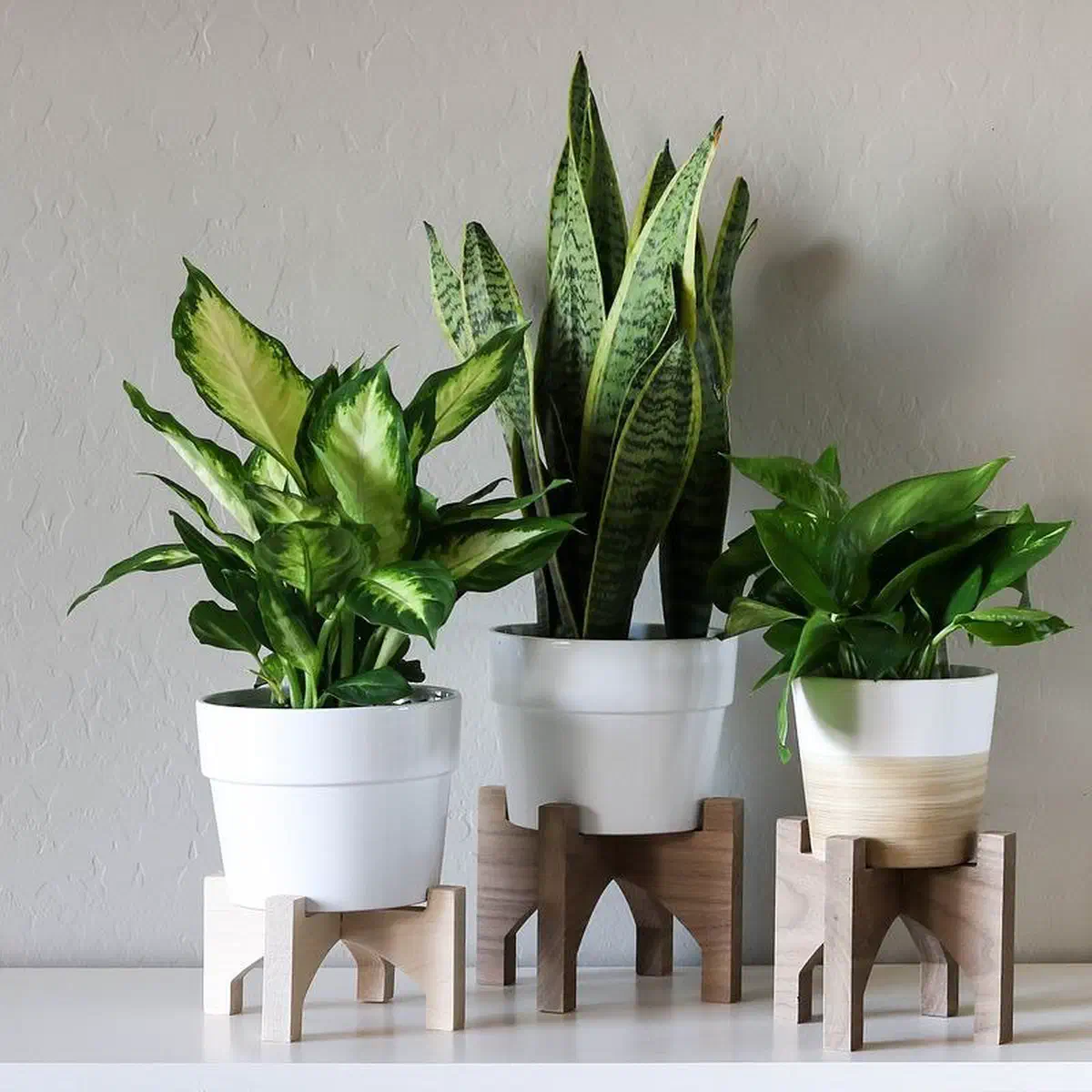
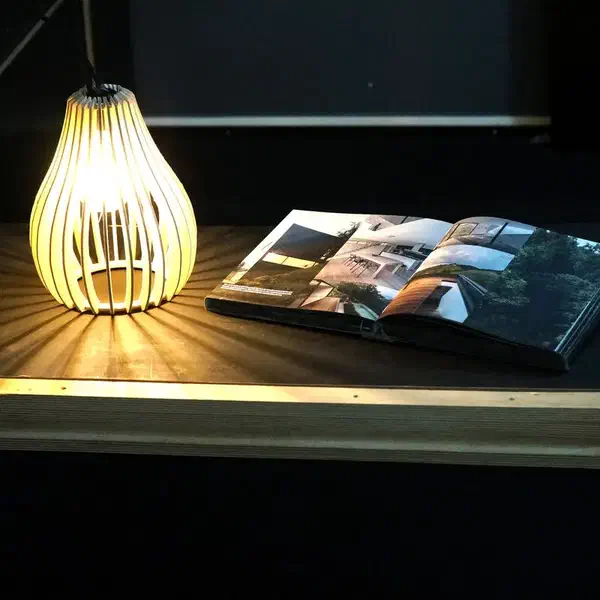
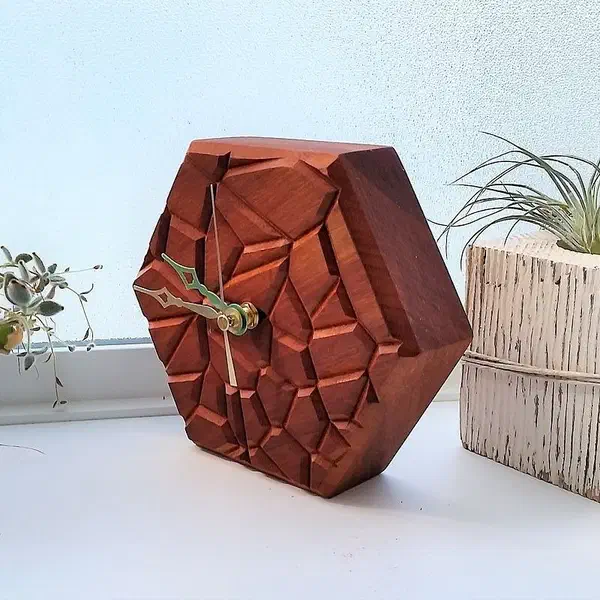
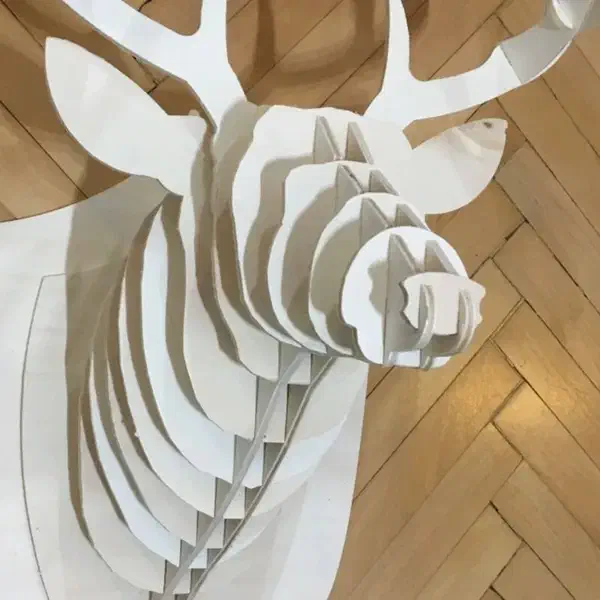
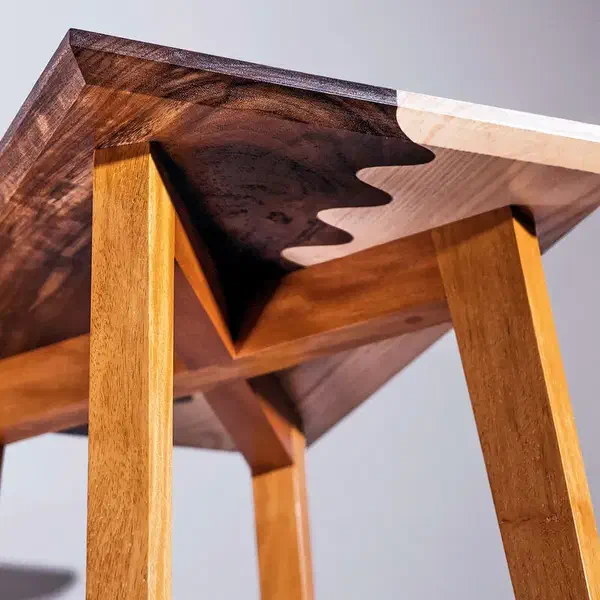
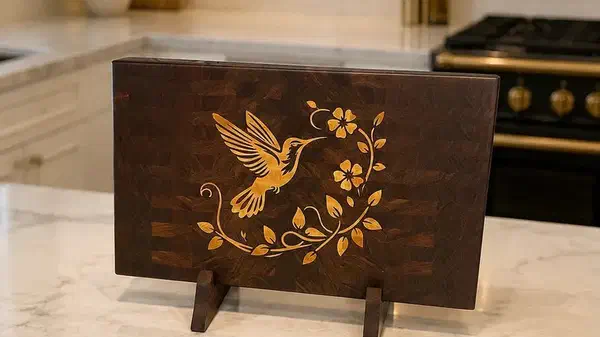
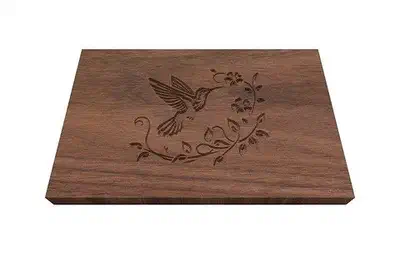
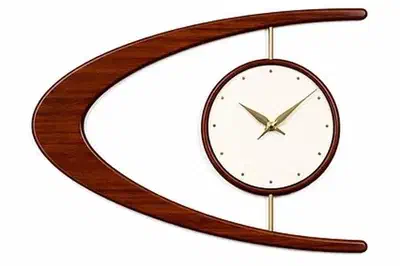
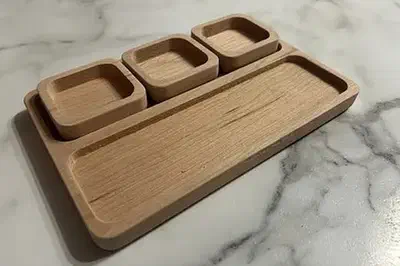
Every project below was made using Easel and carved on a CNC. Open any of them in the gallery, change the words, the wood, or the size, and send it to your own machine.


.webp)

.webp)


.webp)
.webp)

.webp)
The gallery is where Easel makers build on each other's work. Open a finished project, see how it was made, turn it into something of your own, and share it back for the next person.
Open the Project GalleryEasel handles the design, the toolpaths, and the machine. You do not need a second program in between, and you do not need to learn G-code to get a good result.
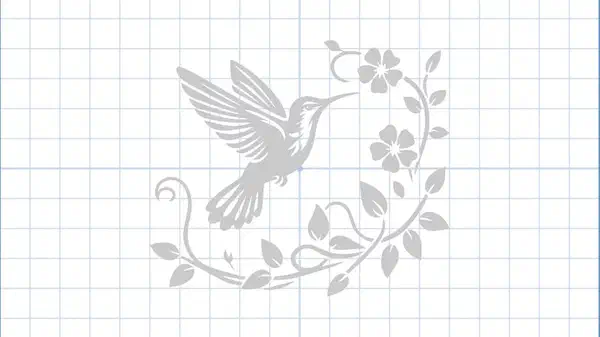
Draw it, type it, trace an image, or pull a ready design off the shelf. Editing tools like node editing, offsetting and trimming are on every plan, including Easel Basic.

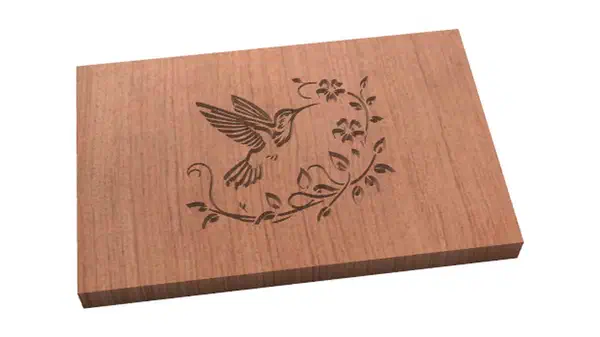
Easel generates the toolpaths and shows you a 3D preview of the finished cut. Pick your material and bit and it fills in cut settings from the manufacturer, the community, or your own saved values.

Click the Carve button and Easel walks you through step by step to send your file to the machine and carve it out. Upload photos of your project to share it back with the community.

More than 40 new features shipped in the last year, and they arrive in the browser without you installing anything. Check the full list of features, and the plan each one comes with on the plans page.
Pick your machine from the list and Easel loads its profile, so setup takes minutes instead of an afternoon. Still shopping? Every machine below works with Easel, and because Easel writes standard G-code, so do most GRBL machines that are not in the catalog yet.
When you get stuck at 9pm on a Tuesday, the fastest answer usually comes from someone who has already hit the same thing on the same machine.
Every project in the gallery can be copied and made your own, and every question in the forum is answered in the open where the next person can find it.
"I laid out a simple project to test the new V-Carve Inlay feature. … When it carved the pocket, the F was very shallow, but the frame was the full depth specified in the Cut settings."
"My solution for fine lettering is I use a narrower Vbit, so if there is fine detail or narrow lines, go with a 30 degree v bit minimum, other wise a 60 degree works well for most inlays."
"I hate to sound like an old 8 track but what does your machine inspector screen show you?"
"The Machine Inspector comment gave me an idea. Using a version of the design that had a depth of cut of .2, I ran the simulation and looked at the carving path of the letter F. … With this info, I can determine that my Depth of Cut for the pocket should be .08" to force the entire pocket to be at the same depth so the plug will fit down in it correctly."
Easel Basic carves real projects, and it stays free. Every paid feature is listed on the plans page, side by side.
Not sure which one you need? The plans page shows every feature against every plan, so you can check the one thing you care about.
Every project in the gallery shows how another maker solved it. Open one, change it into something of your own, and share what you learn back.
No credit card. Runs in your browser.