Chris Monck of Highline Guitars curated the components needed to build the guitar featured in the video. You can build the same guitar using the Electric Guitar app in Easel, found under Apps → More Apps → Electric Guitar.
Follow Chris’s My Easel Project Guitar videos below as you move from design to carving, finishing and assembly. Whether this is your first build or your fiftieth, bring your progress and questions to the Easel community Hub.
Recorded in Easel: changing the body shape and pickups, then switching between Guitar and Blanks previews.
Guitar Craftsmanship Part 2: Red Flags — Chris explains what visual craftsmanship can reveal about a guitar. This is a separate craftsmanship video included in his build playlist, not Part 2 of the Easel project walkthrough.
Hear how Chris got started
In Easel Podcast episode 3, Chris talks with Zach Kaplan about starting with a guitar for his daughter, moving to CNC and building more than 500 guitars. Listen for the story behind Highline Guitars and his advice for a first build.
2. Bring your guitar build to the Easel community Hub
Have a body sketch, a carved neck, a finishing test or your first assembled instrument? Open the Easel community Hub to share the stage you have reached and the question you are working through. Include a photograph and the component, hardware or fit you are trying to understand so other guitar builders can follow along.
If you have built guitars before, share the detail you wish someone had explained on your first one: how you checked a neck fit, chose your hardware or approached a finish. A work in progress gives newcomers and experienced makers something specific to learn from together.
First guitars, shared files and the makers behind them
Begin with Chris’s walkthrough, then meet Steve, David and christopher. Their notes and remakes give a first-time builder something concrete to ask about—and experienced builders a place to share what they learned.
Chris opens his workshop through the My Easel Project Guitar series. Follow his design, carving and assembly stages, then bring the stage you are trying to understand to the Easel community Hub. The walkthrough link below is a free video, not a downloadable app-generated guitar file.
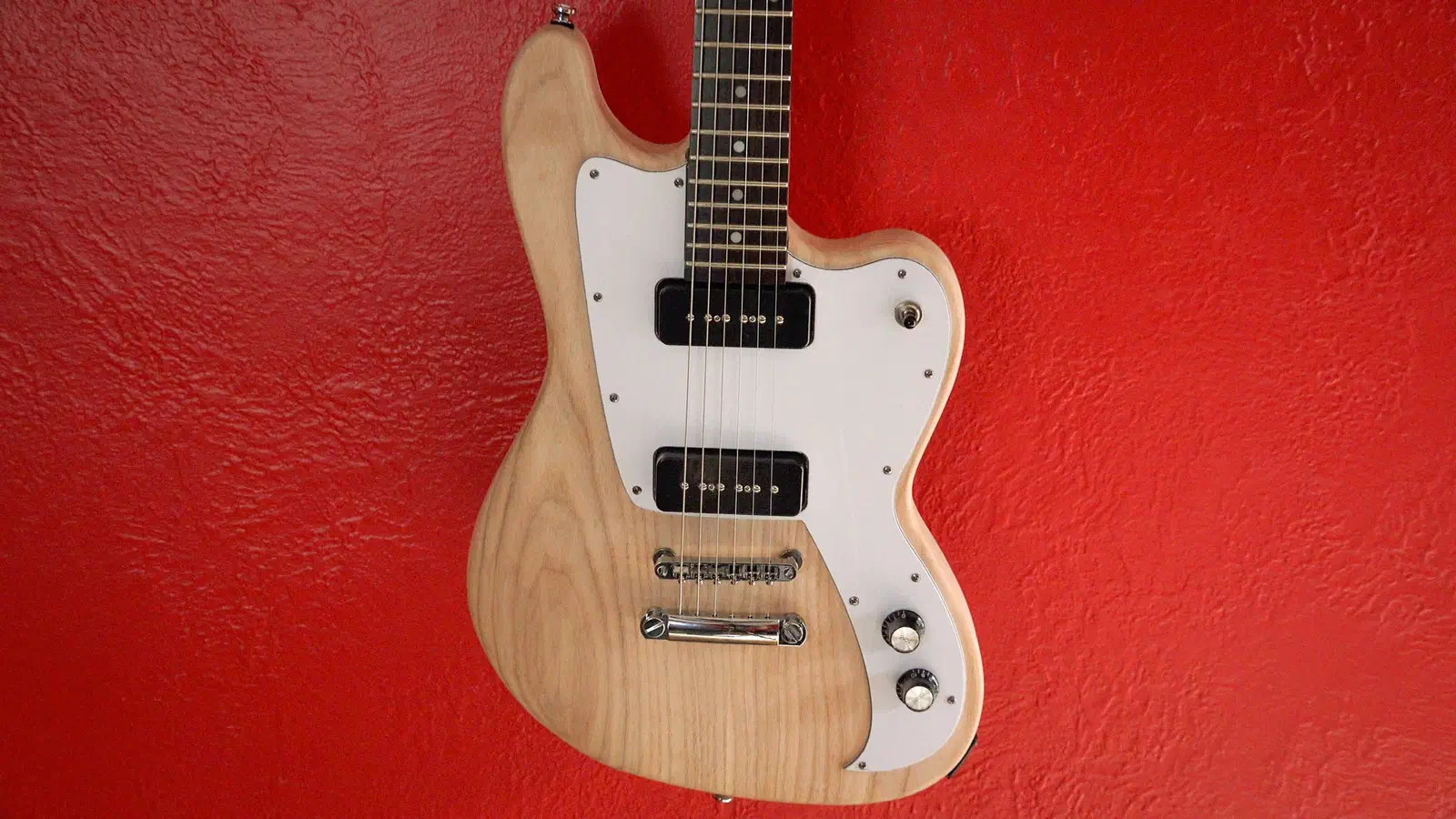
Steve Carmichael calls this his first electric guitar. His instructions share the body, neck, fretboard and inlay work across separate files, alongside hand shaping and bought hardware. A first-time builder can follow the stages and use the project discussion to ask about a particular step; the main preview opens the body.
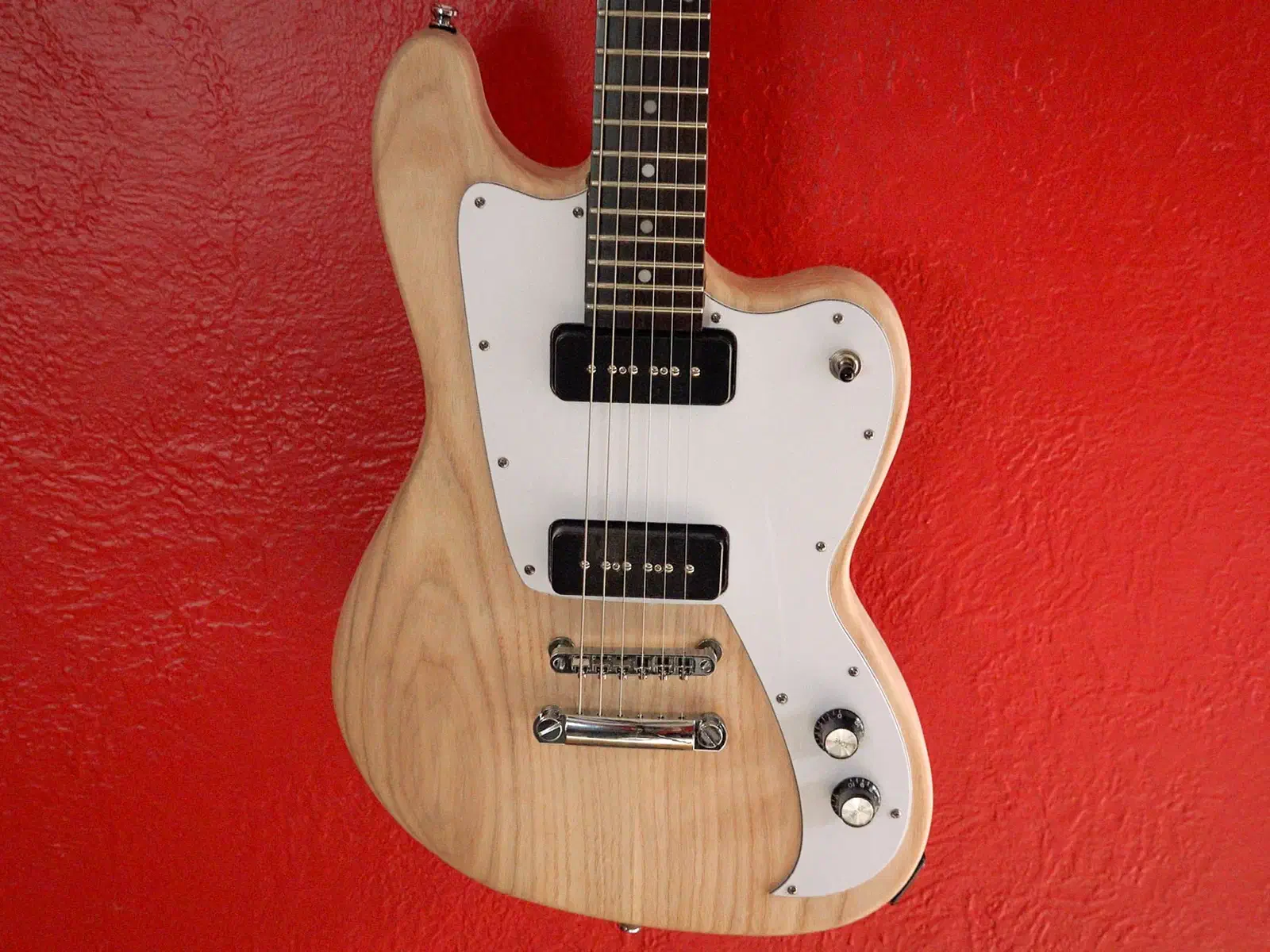
David Picciuto shares a different entry point: a replacement ash body using an existing guitar’s neck, electronics and hardware. His build notes cover the carving, hand-cut contours and assembly. If you are starting with a donor guitar, bring its neck and hardware details to the discussion; the pictured pickguard is not supplied in the body preview.
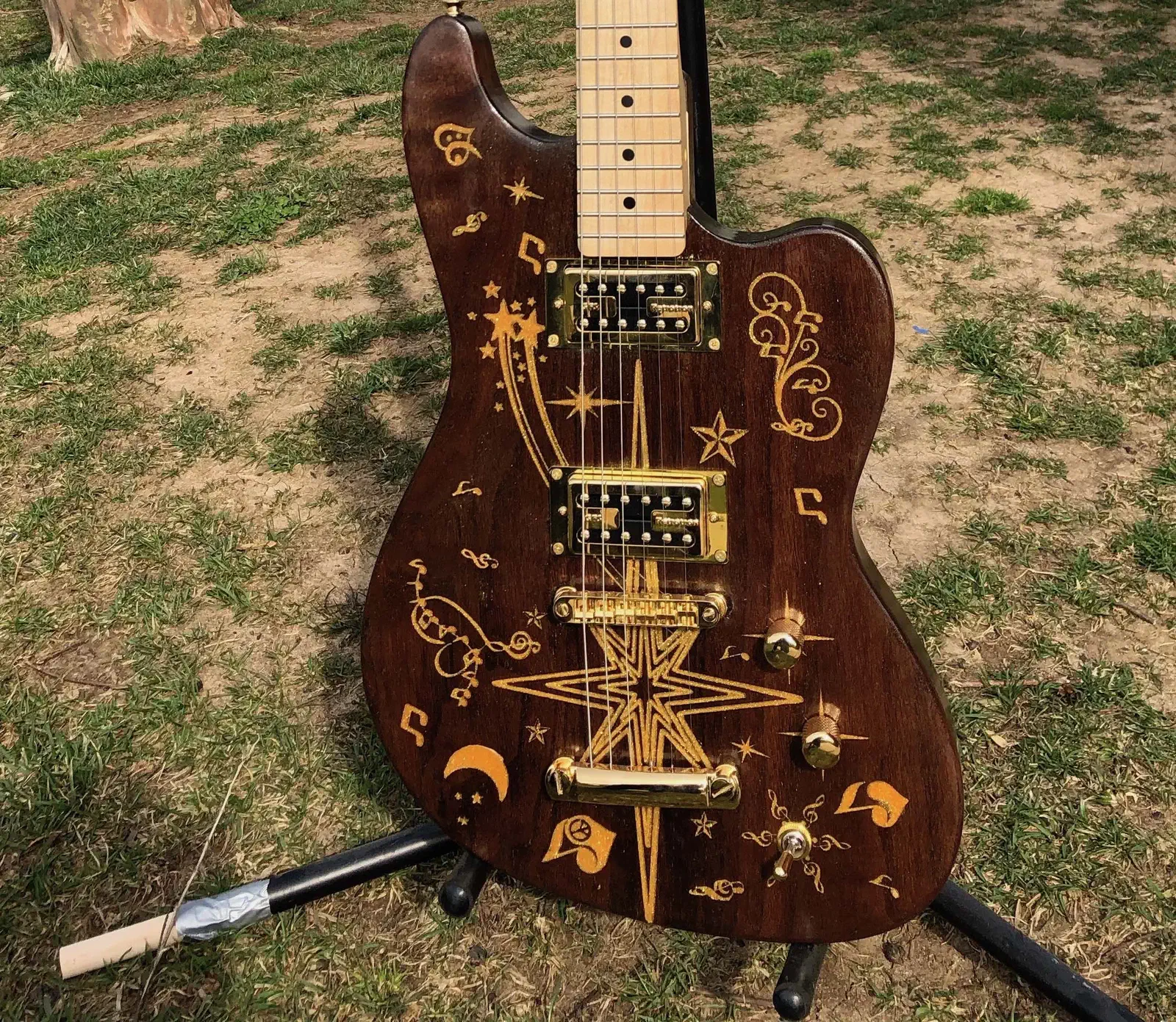
christopher cook describes this walnut remake of David’s project as his first full-size guitar body from scratch. His photographs and comment show how another maker took a shared starting point in a new direction, adding gold-colored decoration and a mirrored rear cover. The shared body file is not a complete neck-and-hardware kit.
Creating an Easel account is free. No credit card required.
New · Early access
Try the Electric Guitar app
Choose a body shape and pickups, then switch between the assembled guitar and its stock blanks. Enable the Electric Guitar app’s early access, then find it under Apps → More Apps → Electric Guitar in Easel.
Creating an Easel account is free. No credit card required.
Lessons from the builders
Learn from the builders’ own notes
Bring a fret-slot question to Steve’s project discussion or a neck-fit question to David’s. Share the part, bit or hardware you are working with so another builder has context. Sign in to comment; a reply is not guaranteed.
Fretboard alignment · Steve’s cutting sequence
In step 4 of Electric Guitar, Steve Carmichael cuts the fret slots first, changes to a larger bit, and cuts the fretboard profile without moving the machine’s home position. He also notes that the slot width must suit the fret wire.
A body sketch, your first carved neck or a finishing test is enough to start a guitar-build conversation. Create a free Easel account, then bring your progress and questions to the community Hub. No credit card required.
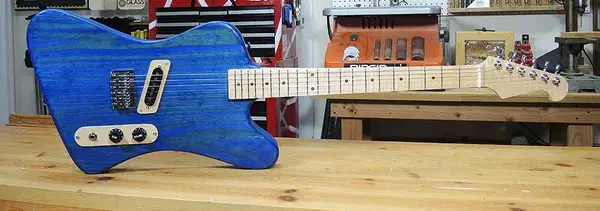

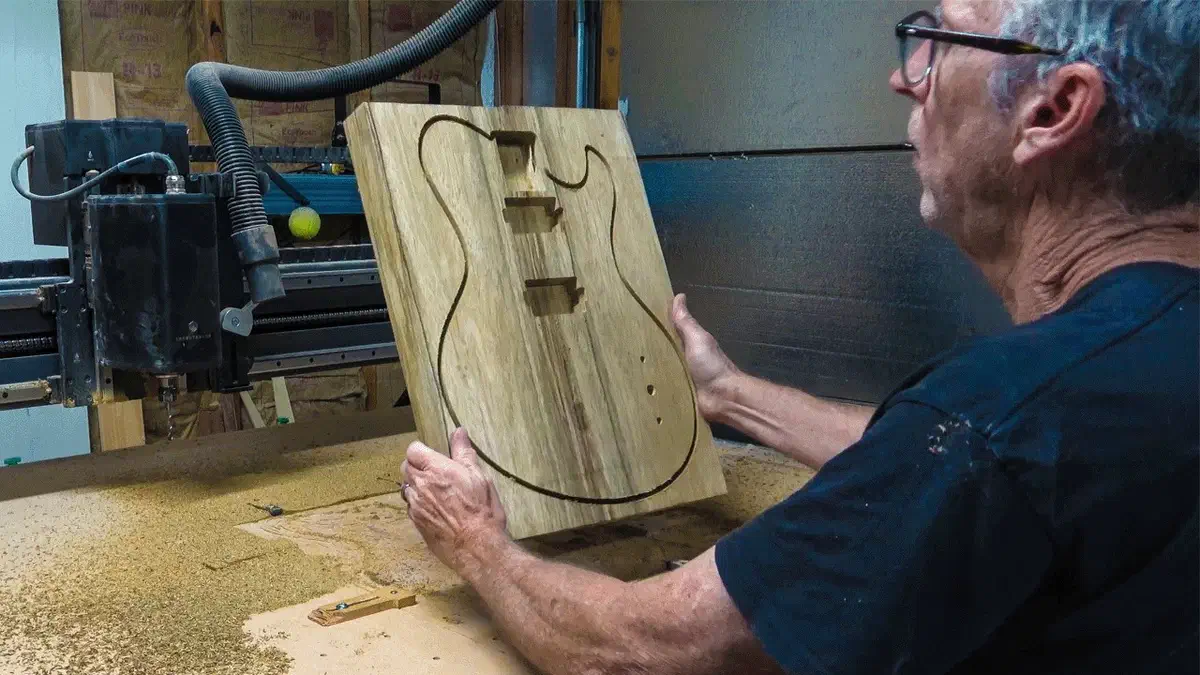 Chris shares his guitar buildby Chris Monck / Highline Guitars