A project you can make your own

Make a cribbage board people will keep.

Design a board for game night, a thoughtful gift, or your own workshop. Start with a real project another maker shared, then change the wood, the name, or the shape before you carve it.

See the real projects

Start from a project that already works

Use a free template

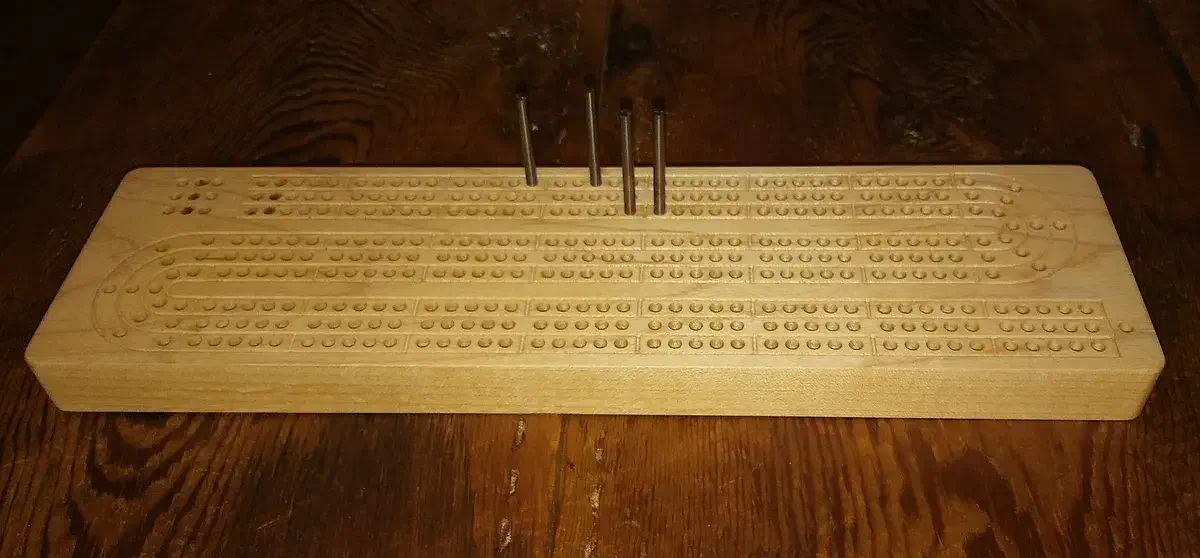
The Easel gallery already has cribbage boards that makers have shared, carved, and copied. That means you can spend your time choosing the right layout and personalizing it instead of drawing every track from scratch.

Change the size, material, name, logo, or decorative details in a copy of a project. Keep the instructions close by while you prepare stock, choose bits, and plan the finishing work.

Real projects from the Easel gallery

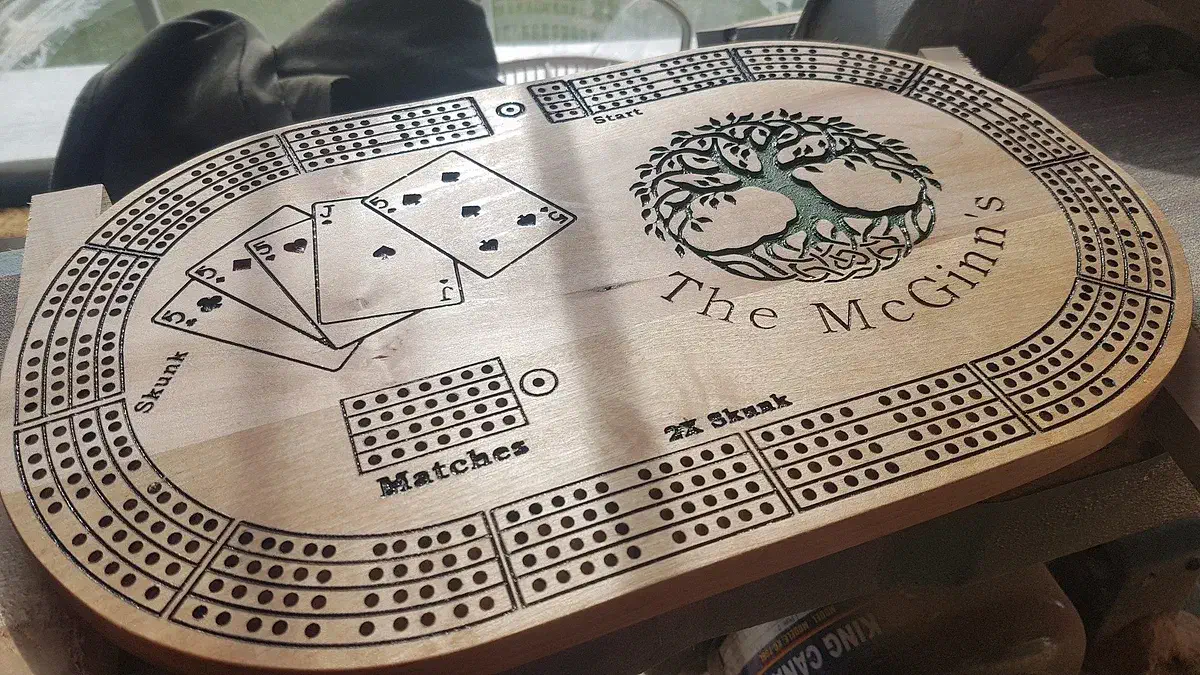
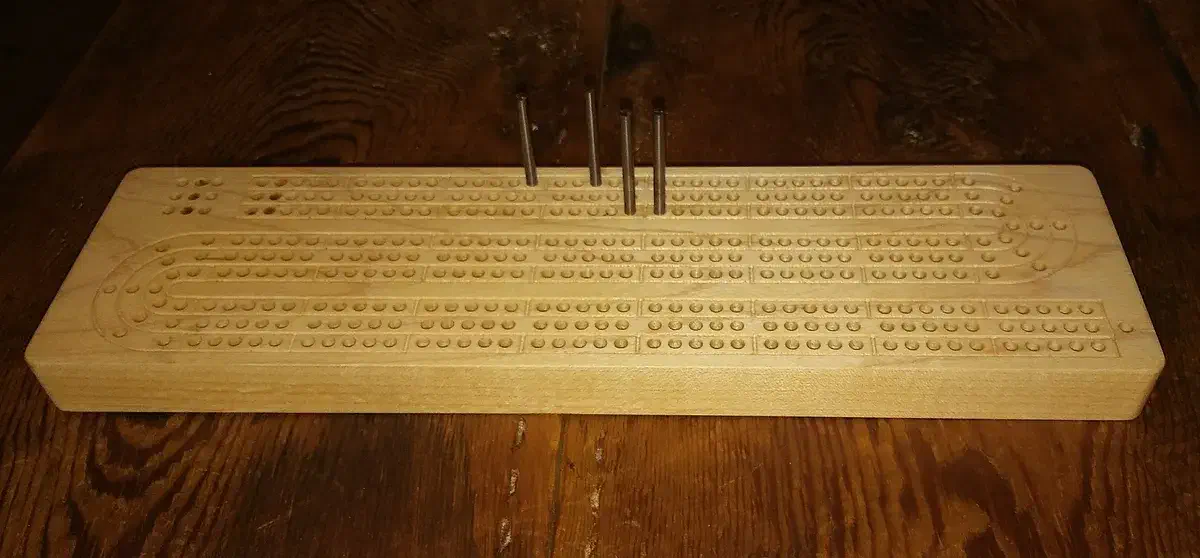
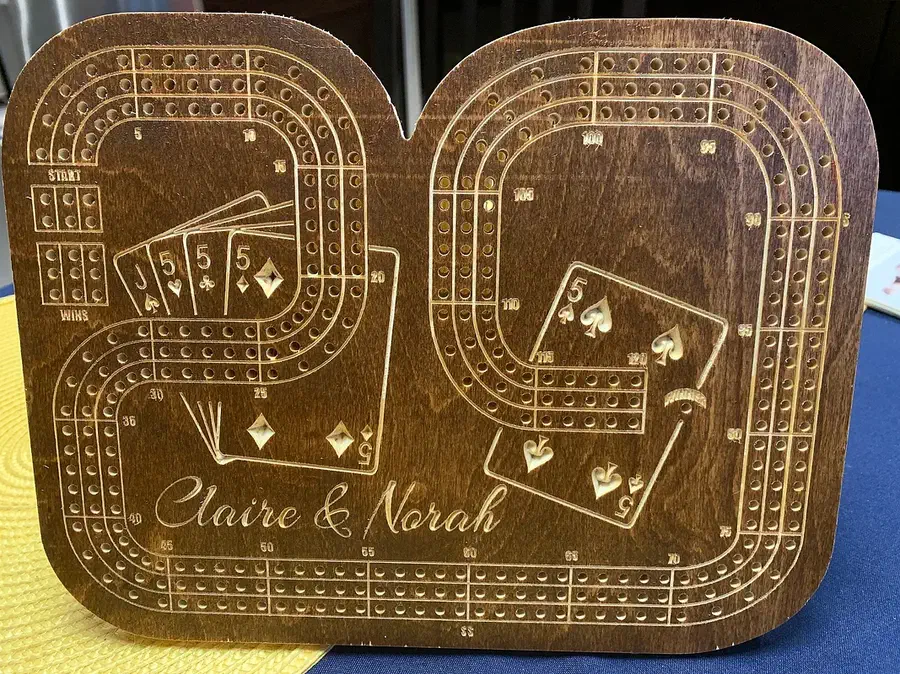
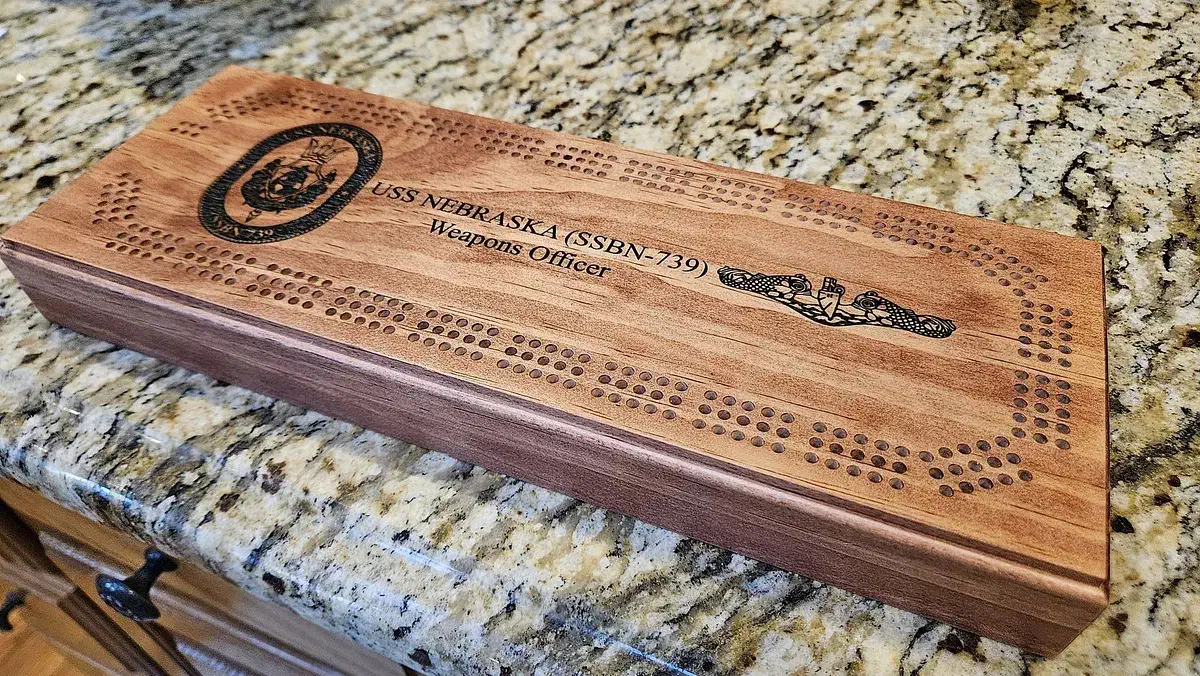
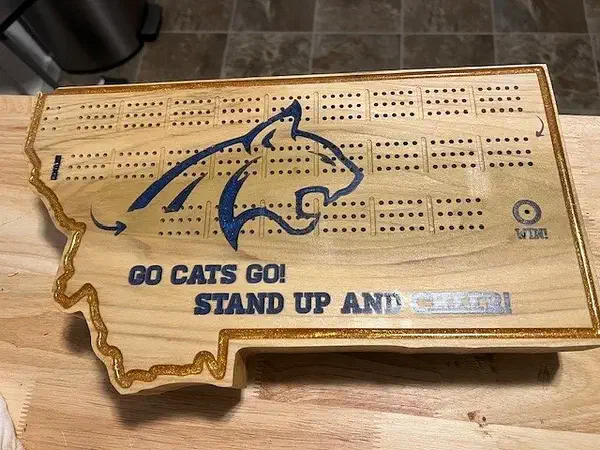
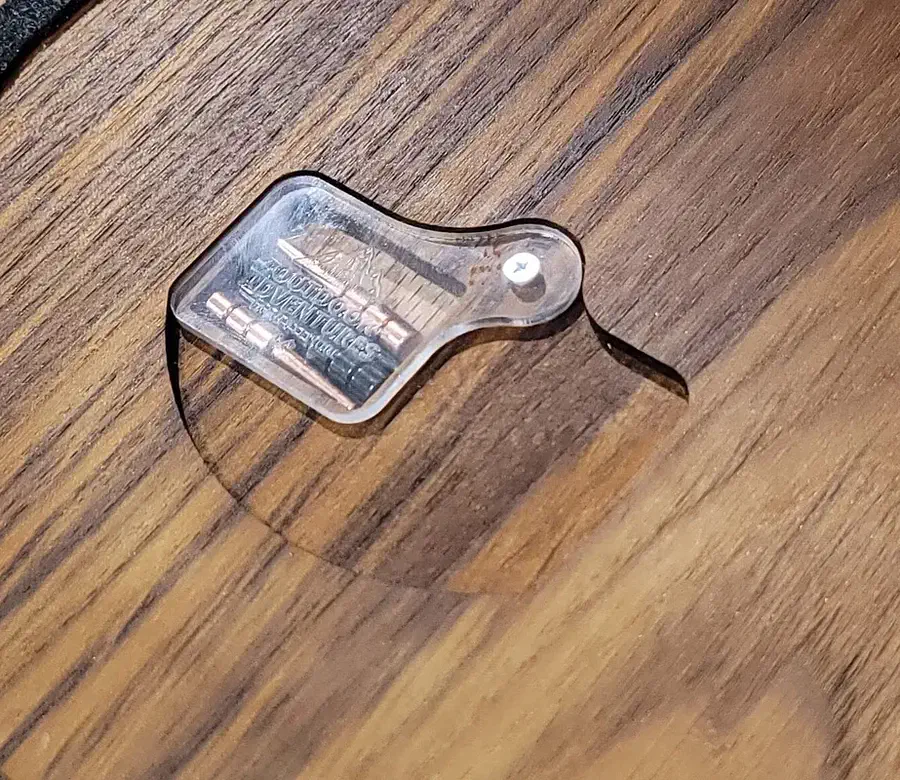
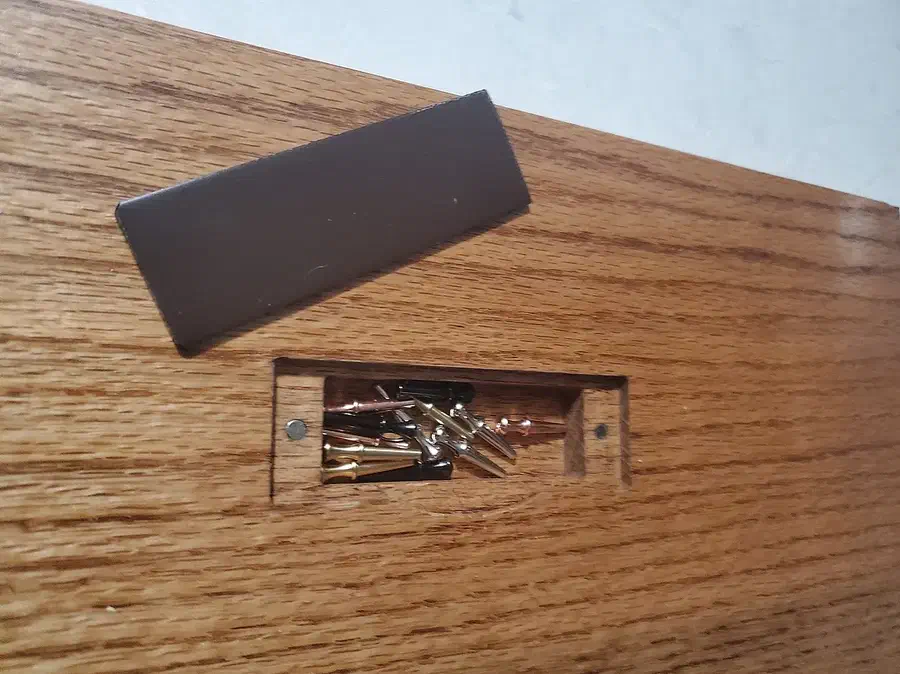
Three boards you can build on

These are published Easel projects with a preview or copy workflow. Open a project to inspect the design, then make your own version in Easel.

See more cribbage boards →

From the makers’ comments and project notes

Reuse a guide for your next personalized board

Read the project comments without an account. Log in to post a question in the project discussion; replies are not guaranteed.

Keep a reusable guide for custom artwork

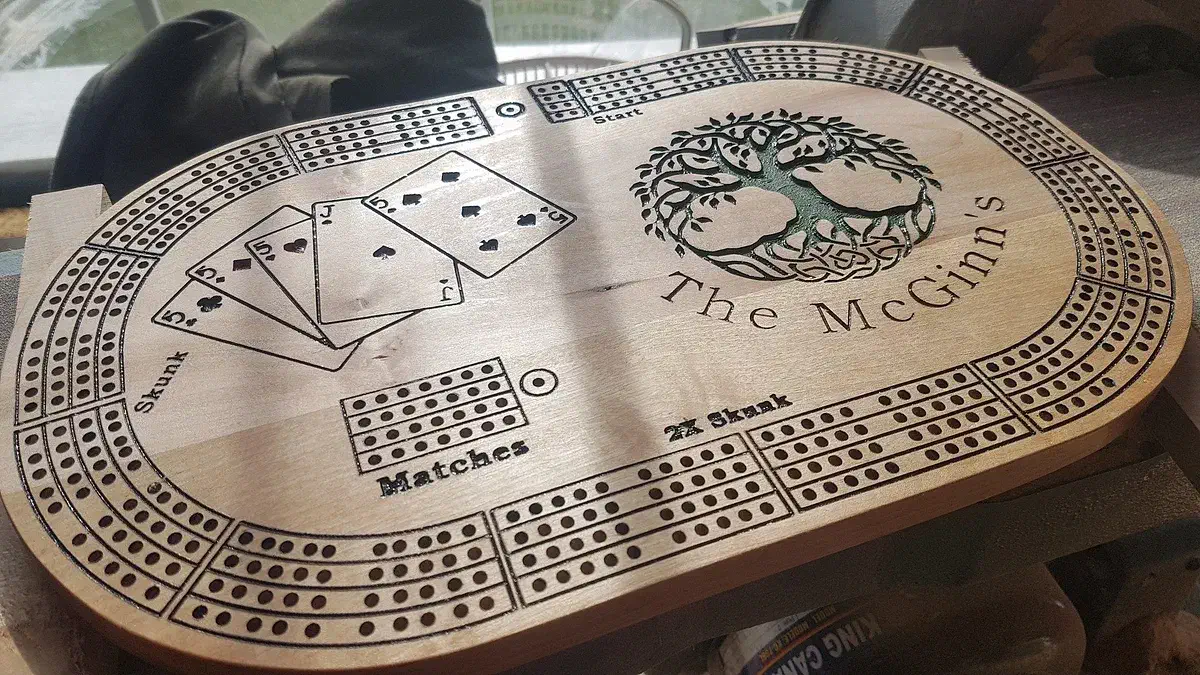
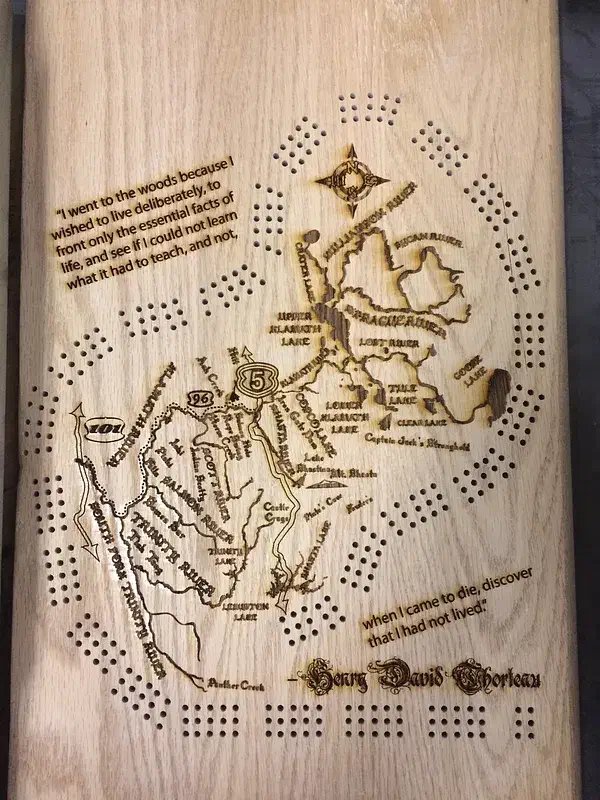
Jason McGinn uses a separate Custom Area Template workpiece to position new artwork on the board. He recommends duplicating it before editing, then deleting the guide objects or setting their depth to zero after positioning the design. You can keep the original guide for the next personalized board.

Project notes by Jason McGinn: read the source.

From McGinn's Cribbage Board by Jason McGinn.

Ask a question

Make a cribbage board of your own

Start with a real community design, customize the details, and create a free Easel account when you are ready to make it yours.