Wood clocks for walls, shelves, and mantels

Make a wooden clock

Start from scratch or customize a finished clock another Easel maker designed. Creating an Easel account is free. No credit card required.

See the real projects

Start from a real build

Choose the clock before you choose the cut

A clock project has two dimensions to get right: the face you want to see and the movement that has to fit behind it. Decide whether your piece will hang on a wall or sit on a shelf, then choose the movement, hand length, face thickness, and overall size before you resize the design.

The Easel previews let you inspect each stock size and toolpath before making a copy. Treat the listed dimensions as a starting point, not a substitute for measuring your own blank. The gear-clock project has no build instructions, and the other makers’ probe or setup choices may be specific to their machines, so verify your own work zero, bit, and movement fit rather than copying a number blindly.

Real clocks from the Easel gallery

Three ways to make a wooden clock

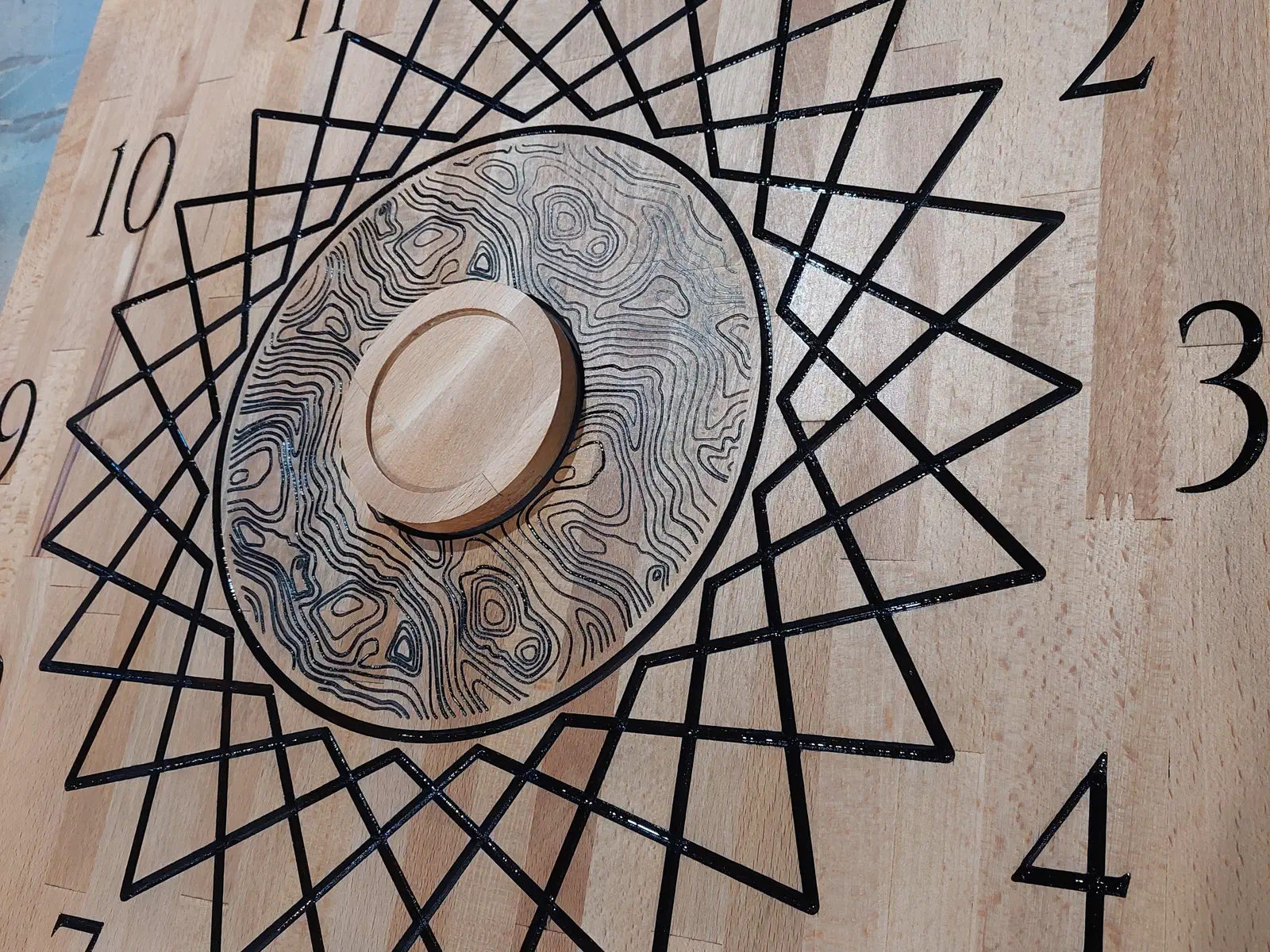
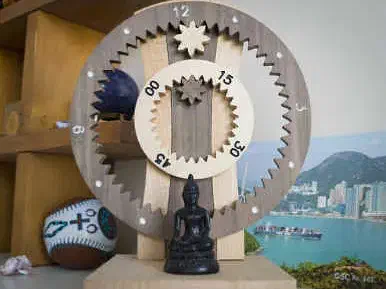
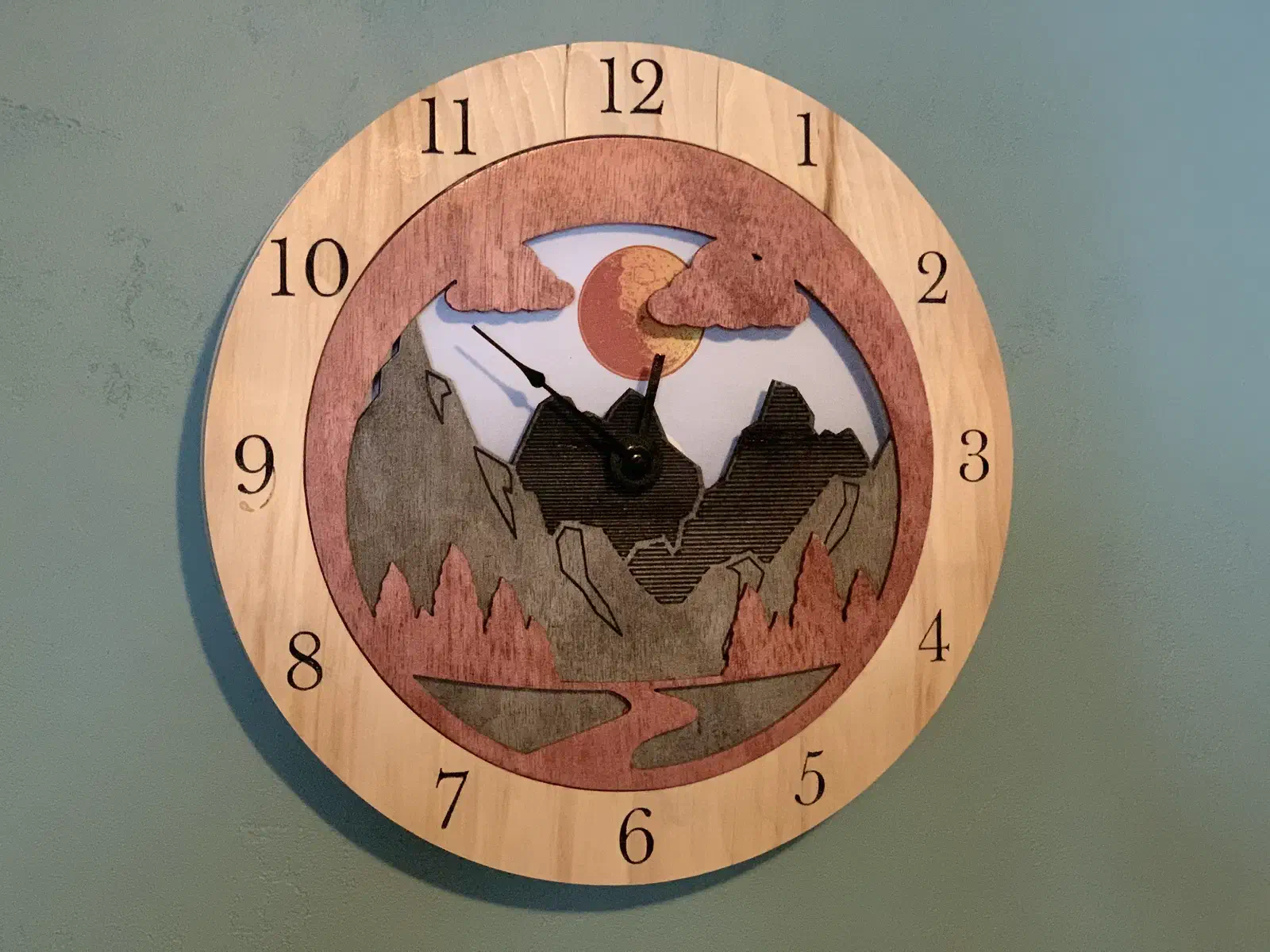
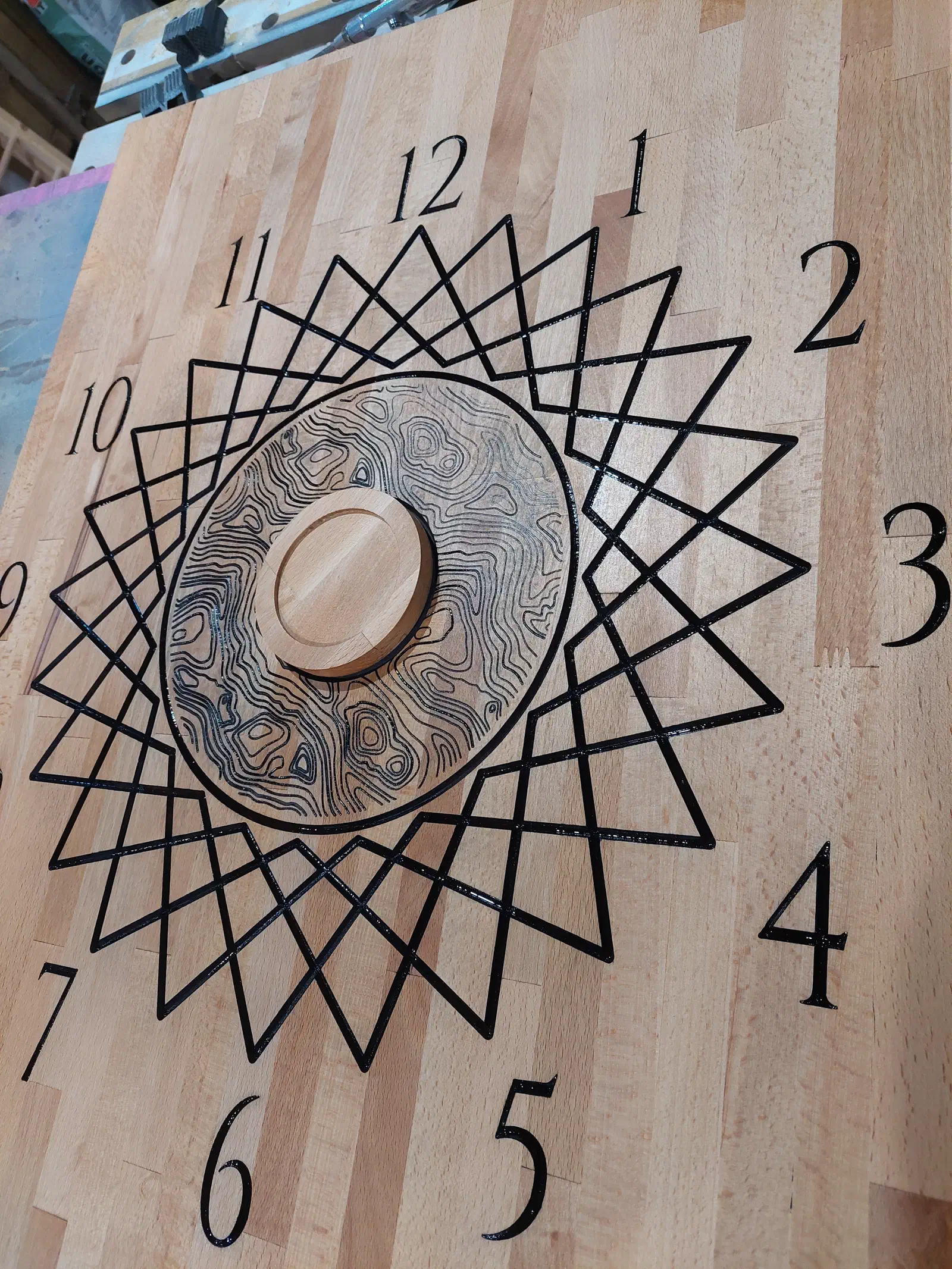
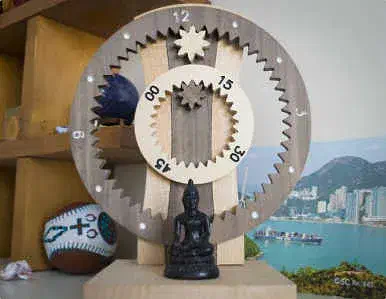
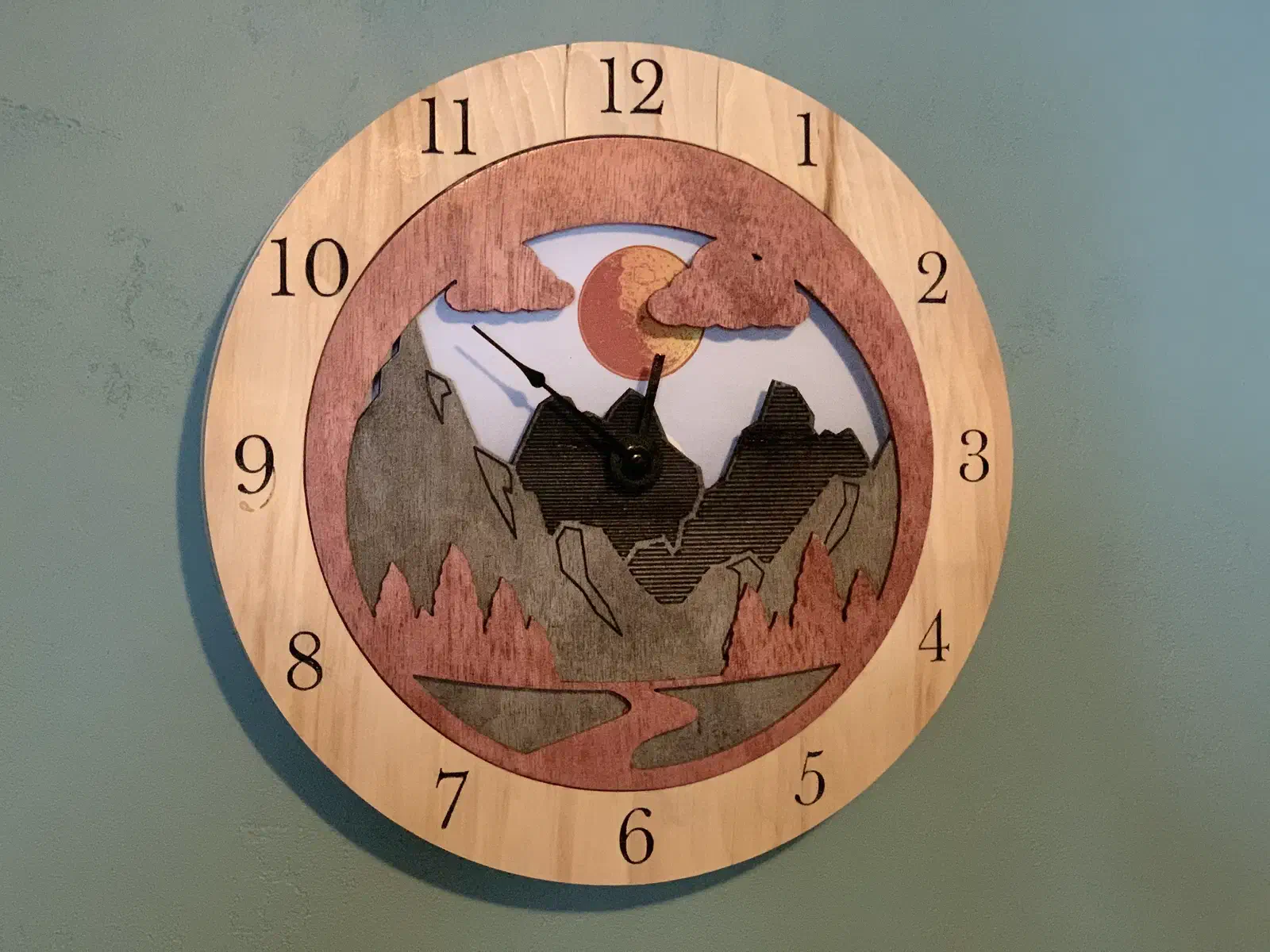
These carved projects include a layered day-and-night scene, a large V-carved face, and an exposed gear design. Some rely on Easel Pro features such as V-carving or Pro designs, so check the project details and your plan before building from a copy.

See more CNC clock projects →

From the makers’ comments and project notes

Wait for paint to cure before sanding your clock

Read the project comments without an account. Log in to post a question in the project discussion; replies are not guaranteed.

Let the paint cure before leveling the clock face

Alexandru Raican warns that sanding uncured paint clogged his sanding pads. Let the paint cure before sanding excess color from the clock face, rather than treating a dry-looking surface as ready. His project notes make the waiting step part of the finish, not just the carve.

Project notes by Alexandru Raican: read the source.

From Wall Clock by Alexandru Raican.

Ask a question

Make a clock that fits your space

Create a free Easel account, no credit card required. Inspect a clock project, then adapt a copy for your CNC. V-carving and Pro designs require Easel Pro if your chosen clock uses them.